An LTI tool that integrates with Canvas and Moodle so your students can self-assess and get their certificate in minutes, without you lifting a finger. No enrollments, no grading, no manual certificate issuing.
The traditional final assessment process eats up weeks of the academic team's time: you have to enroll each student in the LMS, prepare the exam, grade submissions one by one, calculate grades, and then manually issue certificates. With hundreds of students, the bottleneck is inevitable.
The real problem is that LMS platforms are designed for closed-enrollment courses with an instructor in charge. But there are scenarios — mass certifications, placement tests, corporate training — where assessment needs to be self-contained: the student logs in, takes the test, and gets their result without anyone having to step in.
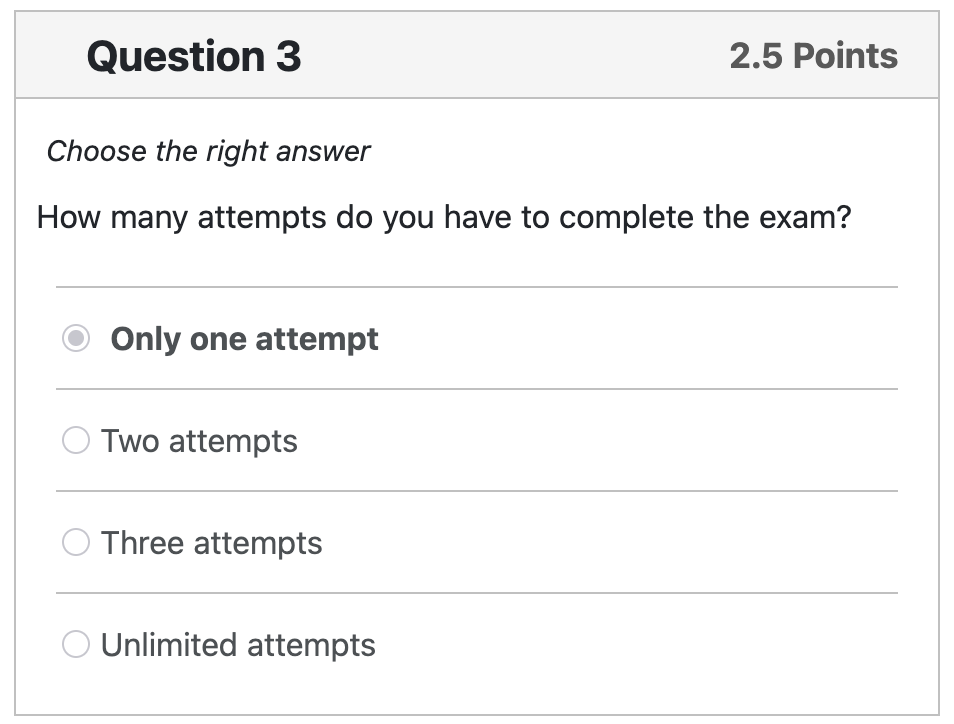
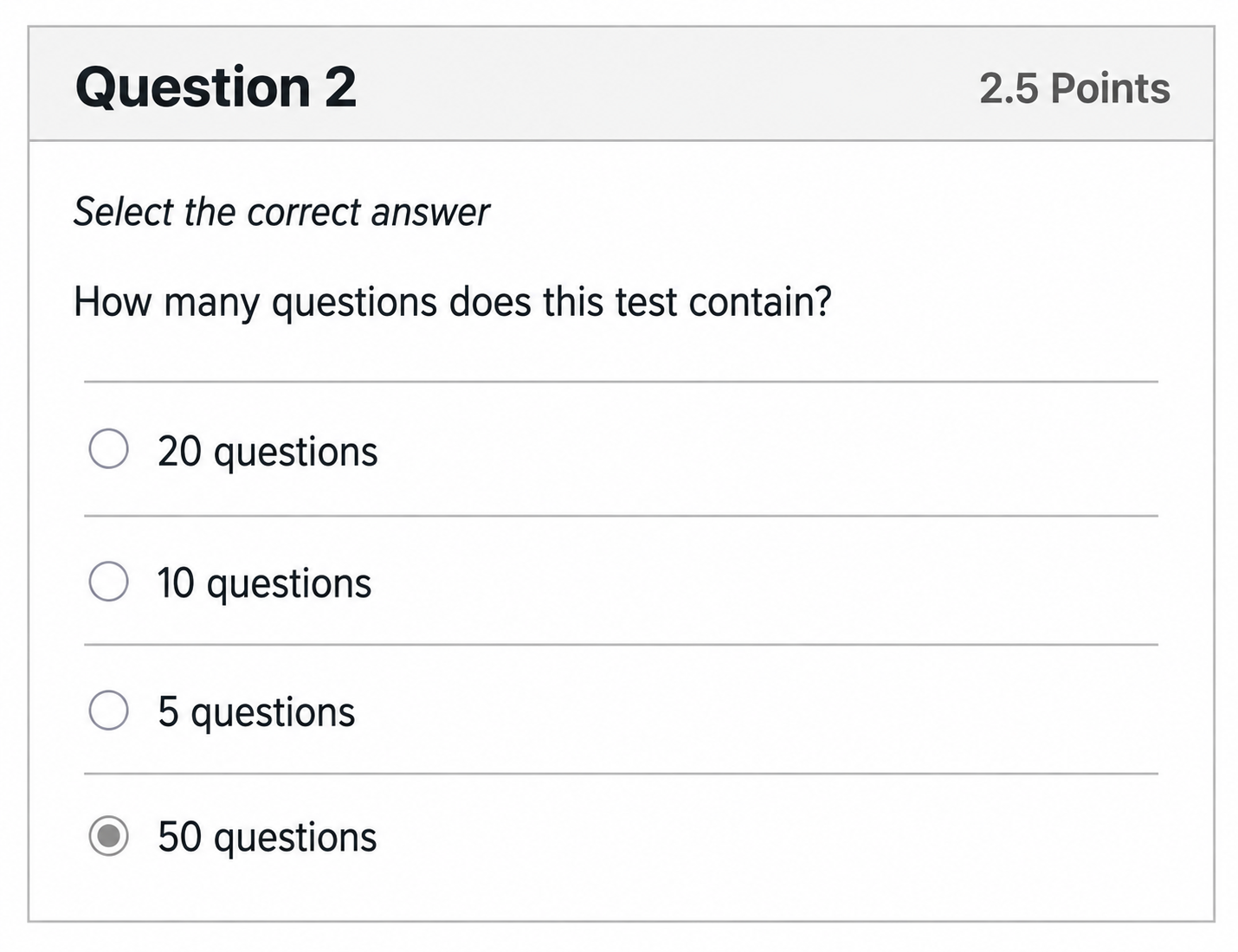
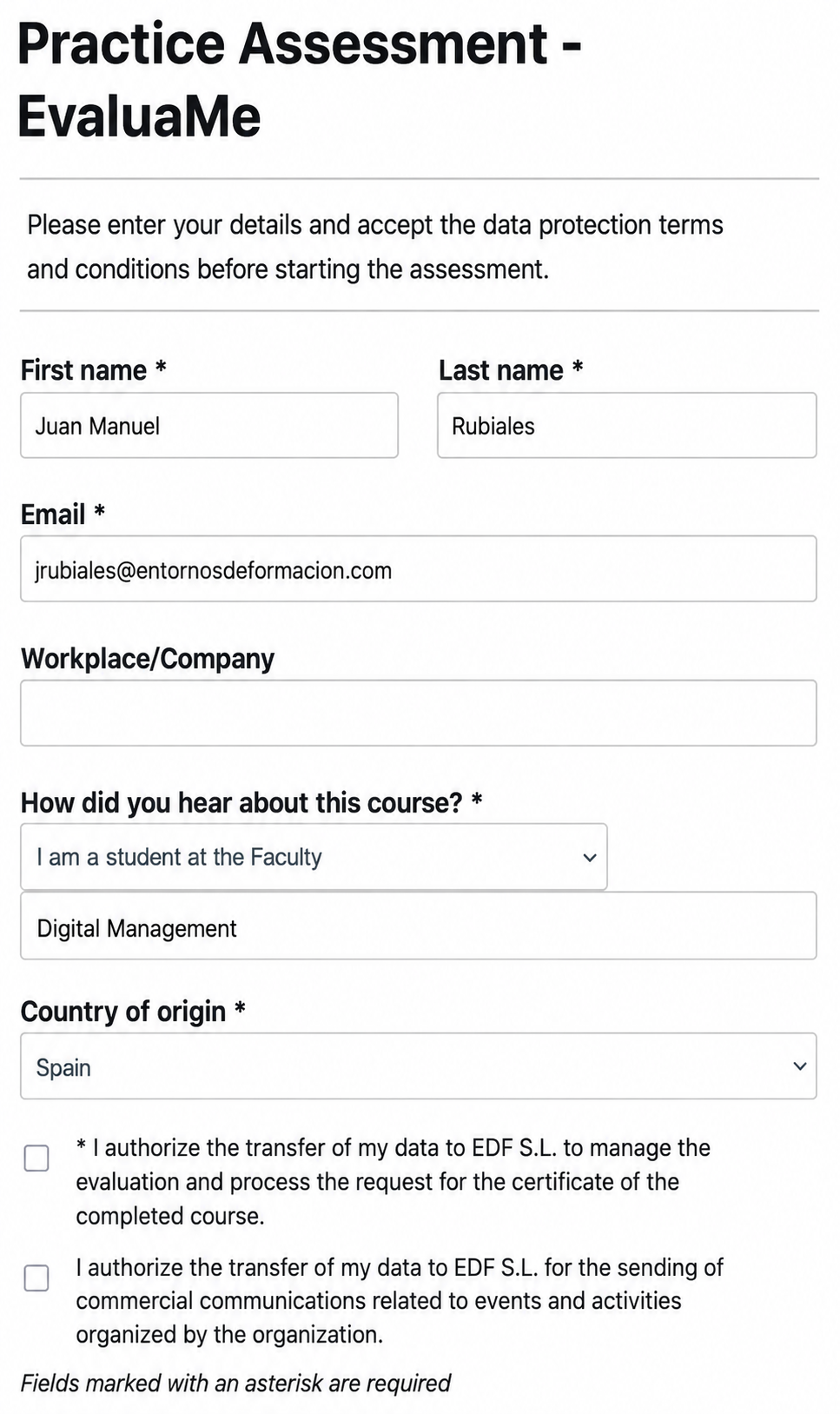
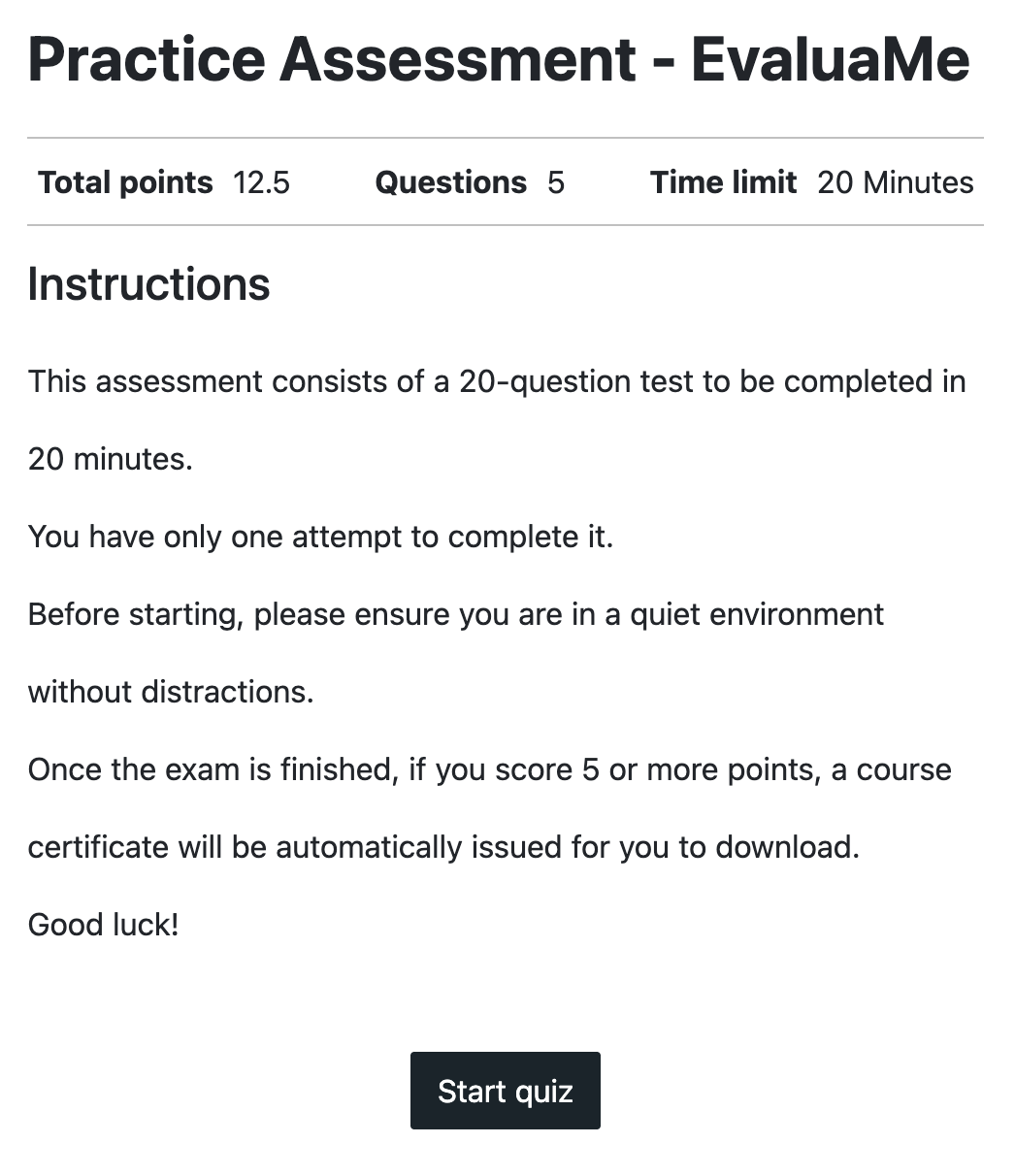
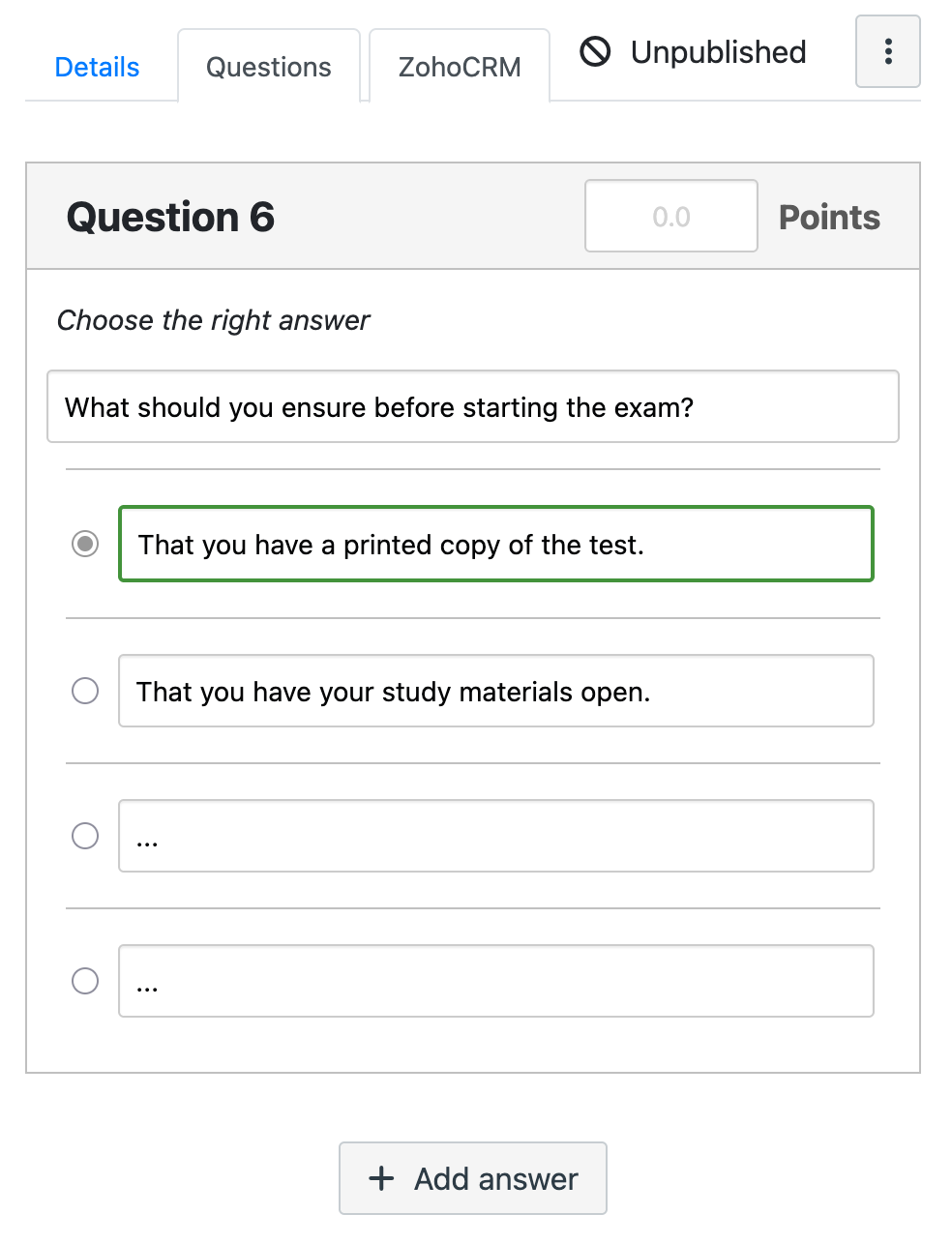
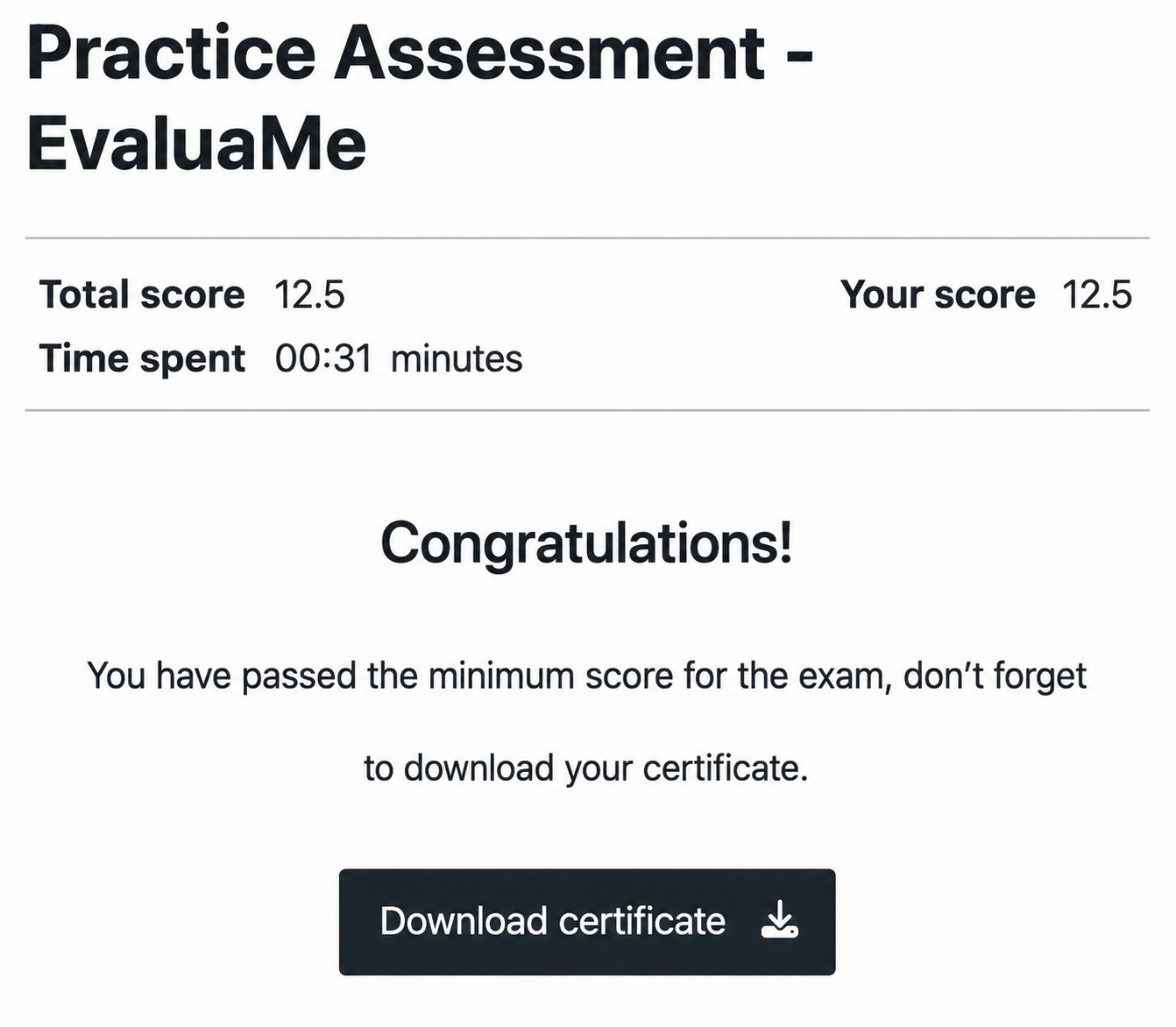
EvaluaME integrates into Canvas or Moodle as just another LTI tool. The student accesses it from their course, fills in their details, takes the timed exam, and submits their answers. The system grades instantly. If they pass, it generates a personalized PDF certificate with their name, date, and grade. The student just has to download it.
The instructor sees all submissions from a centralized dashboard: who passed, who didn't, how long they took, what score they got. They can search by name or email, and export the data to Excel with one click. Everything stays in the same environment they already use, with no weird iframes or redirects.
EvaluaME is developed by Entornos de Formación (EDF). It connects to Canvas and Moodle via the LTI standard and fully automates the assessment cycle: from publishing the exam to issuing the certificate. Designed to eliminate administrative burden and give you back the time you used to spend grading, enrolling, and issuing certificates by hand.
Years in educational technology
Students managed on platforms
Uptime in critical operations
Technical support for institutions
The student logs in, fills in their details, takes the exam, and gets the result instantly. No need to enroll, no need to grade, no need to be present. The system handles everything from start to finish.
Installs as just another LTI tool. No weird iframes, no redirects. Your students access it from within the course and everything stays in the same environment they already use.
If the student surpasses the minimum percentage, the tool generates a personalized PDF with their name, date, and grade. They just have to download it. No queues, no paperwork, no waiting. The instructor defines the certificate template once, and the system fills it in automatically with each student's data.
View all submissions, search by name or email, check scores and times, and export the data to Excel with one click. You'll know who passed, who didn't, and how long they took.
Set the exam time limit, the number of allowed attempts, the minimum passing percentage, and the certificate template. Each attempt is recorded with its score. The student can retake the exam as many times as you define, and the system will only issue the certificate when they reach the minimum grade.
From the admin panel, the instructor creates or selects an exam, sets the minimum score, uploads the certificate template, and publishes it. The exam becomes available in the LMS course.
The student logs in from Canvas or Moodle, accepts the terms, completes the timed exam, and submits their answers. The system grades instantly with no human intervention.
If they pass, the tool generates their personalized PDF certificate and makes it available for download. The instructor receives the notification and can export results to Excel.
Leave us your details and an LTI integration specialist will get in touch within 24 hours to show you how to adapt the tool to your training program.